Create a new organisation
You may access the organisation creation page by any of the following methods.
Method 1 - If you are signing in for the first time, you will be automatically taken to organisation creation page if you don’t have any pending invites.
Method 2 - From ****organisation selection page (opens in a new tab).
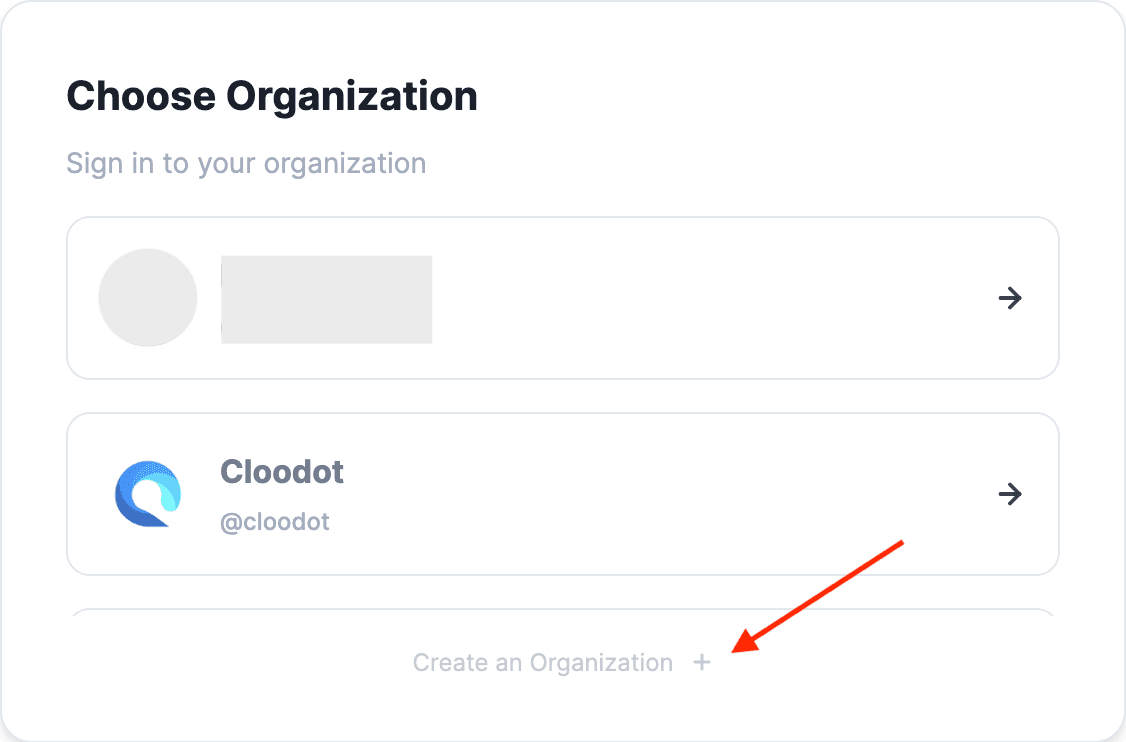
Method 3 - From profile context menu.

Method 4 - Directly goto the organisation creation page (opens in a new tab).
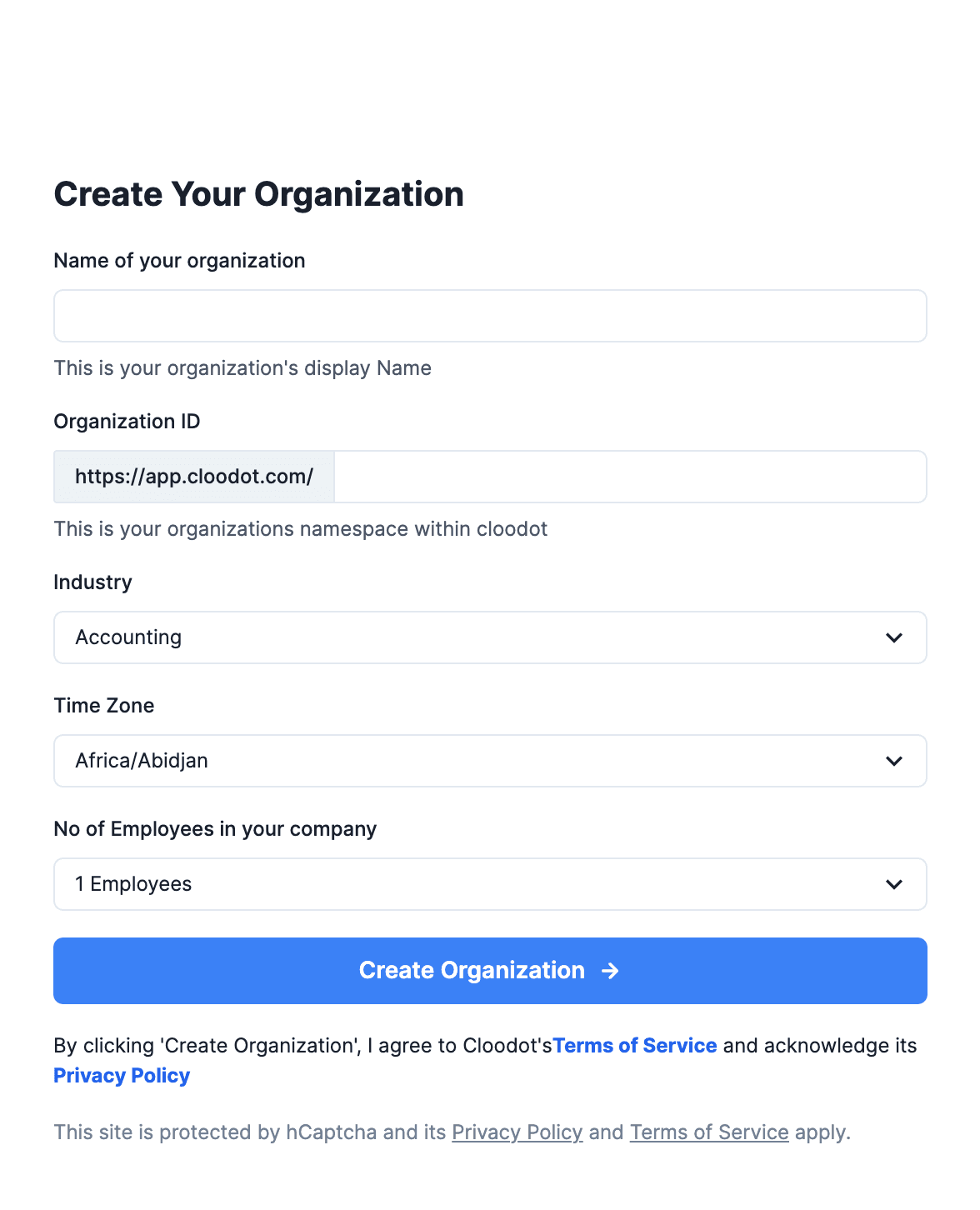
Proceed to - enter a unique organisation name with less than 20 characters > Select a relevant industry > Select your timezone > Select you company size > Click ‘Create Organisation’.