2023 June
1. AI Magic reply in chats
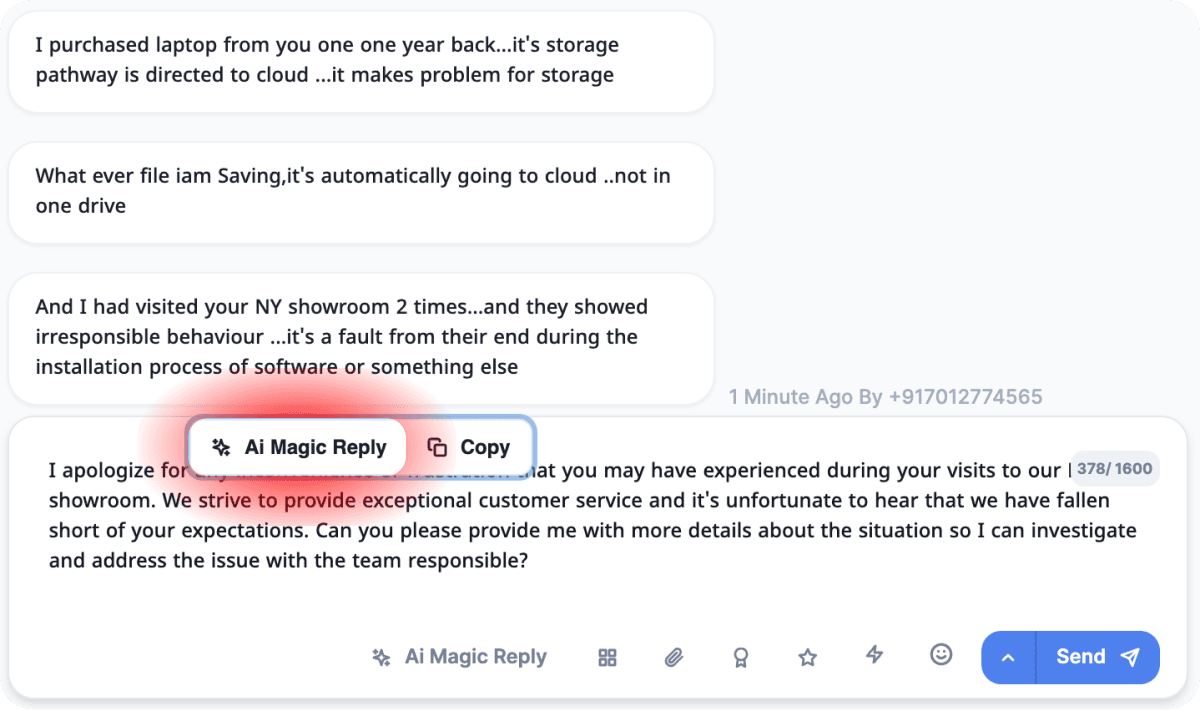
Per message magic reply button
Click on any message to access it’s context menu. Then click on AI Magic reply button to get an AI generated response. You may edit the generated response if needed as the response wont be sent automatically.
 .
.
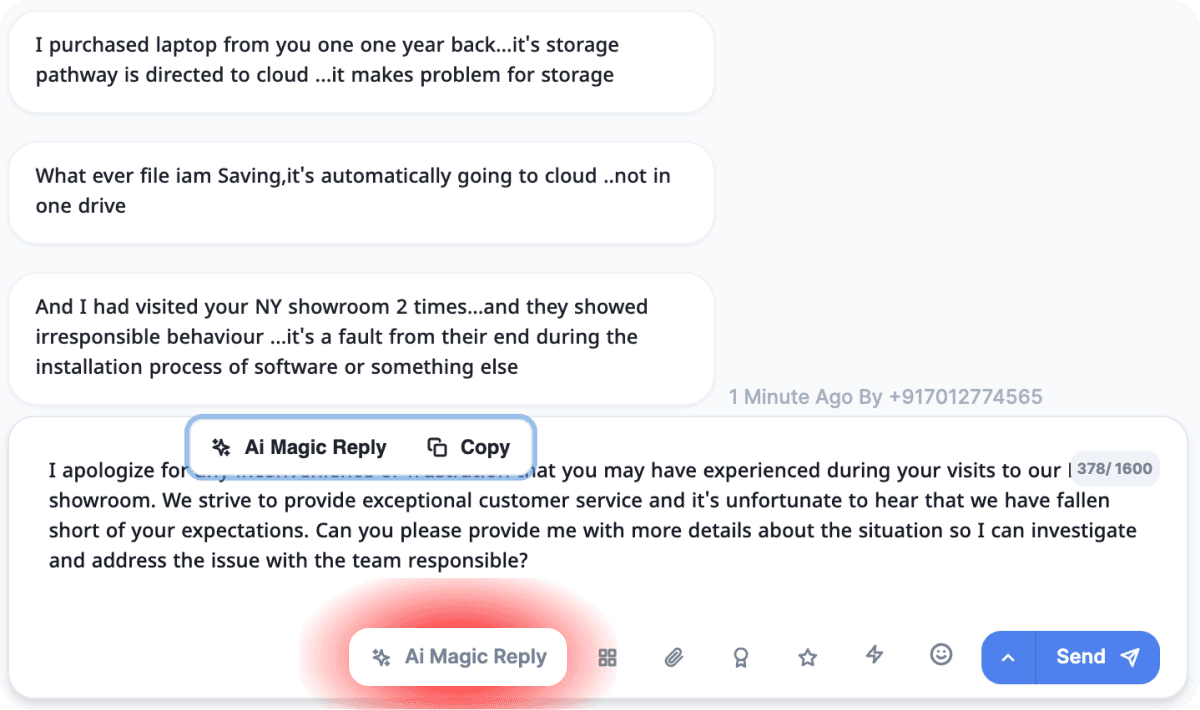
Per chat magic reply button
Click on the AI Magic reply button below the message composer box to get an AI generated response based on latest 3 to 5 customer messages. You may edit the generated response if needed as the response wont be sent automatically.
2. AI Magic reply in reviews
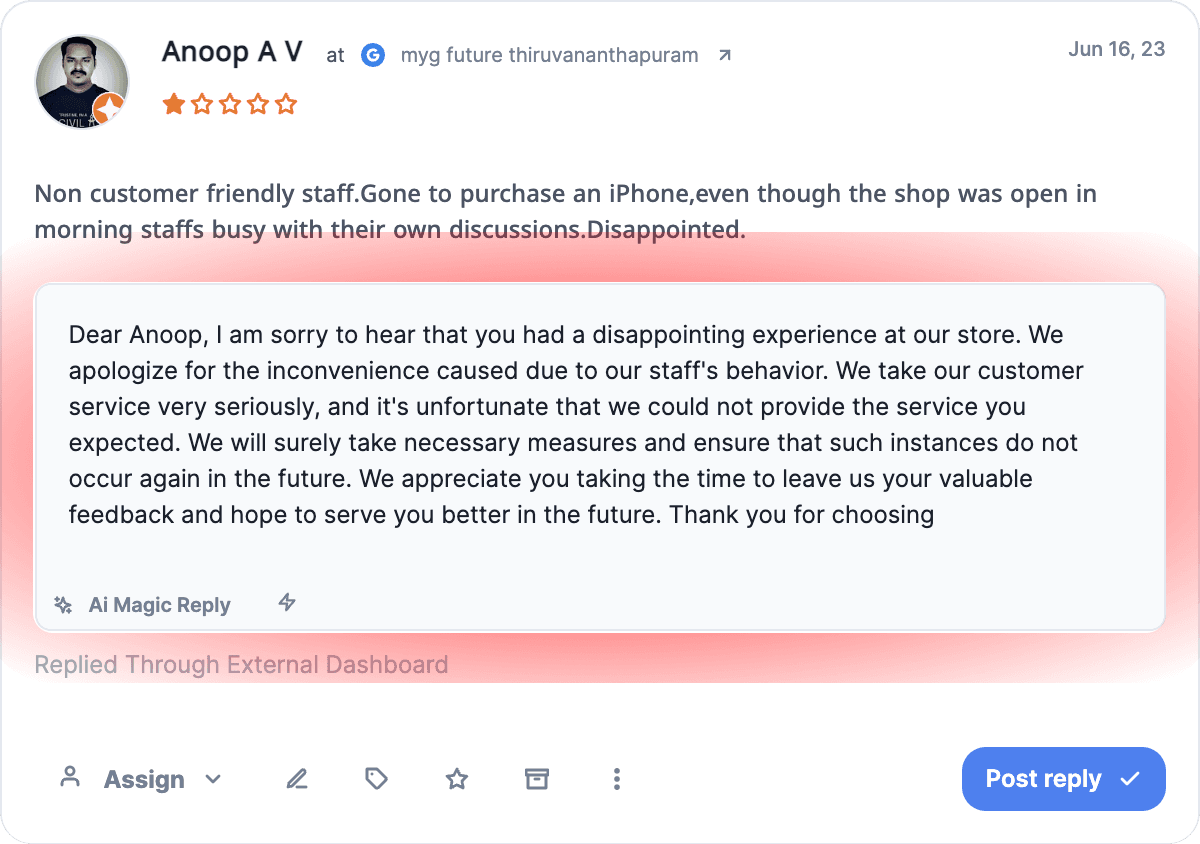
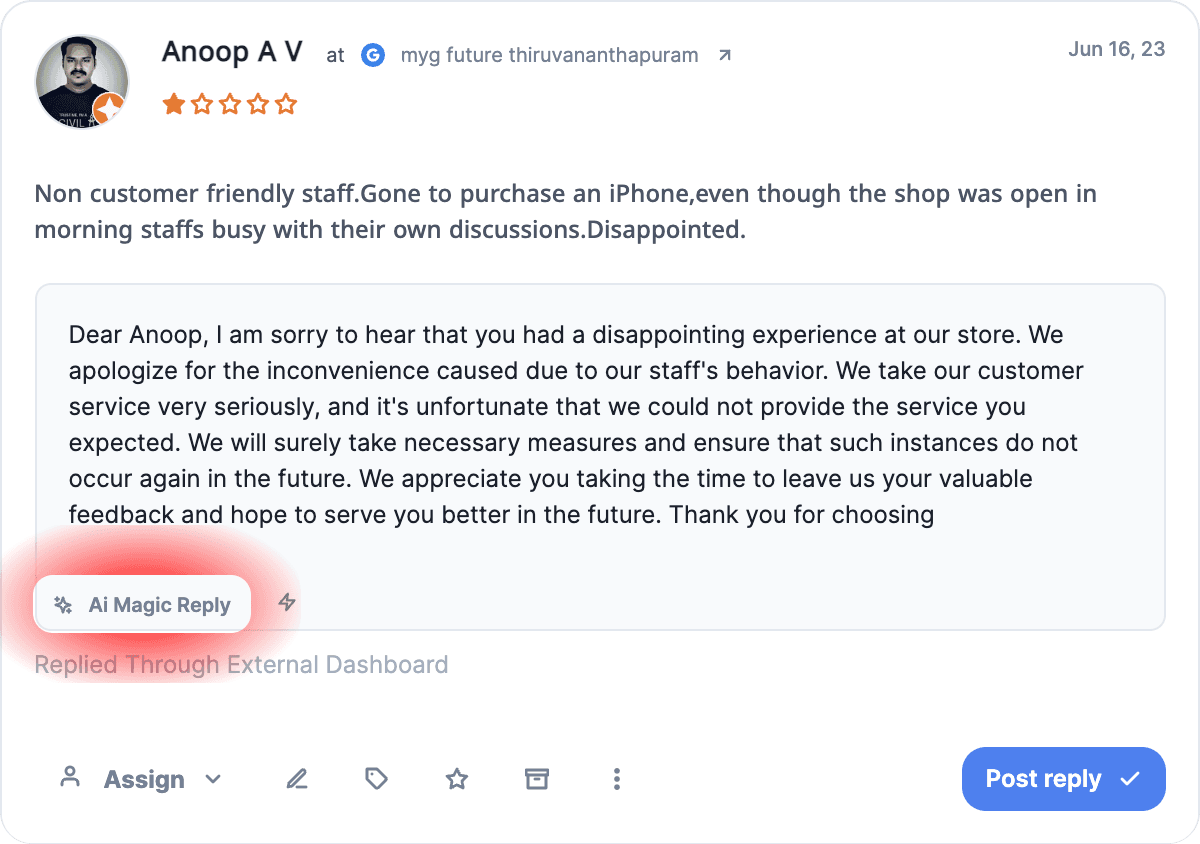
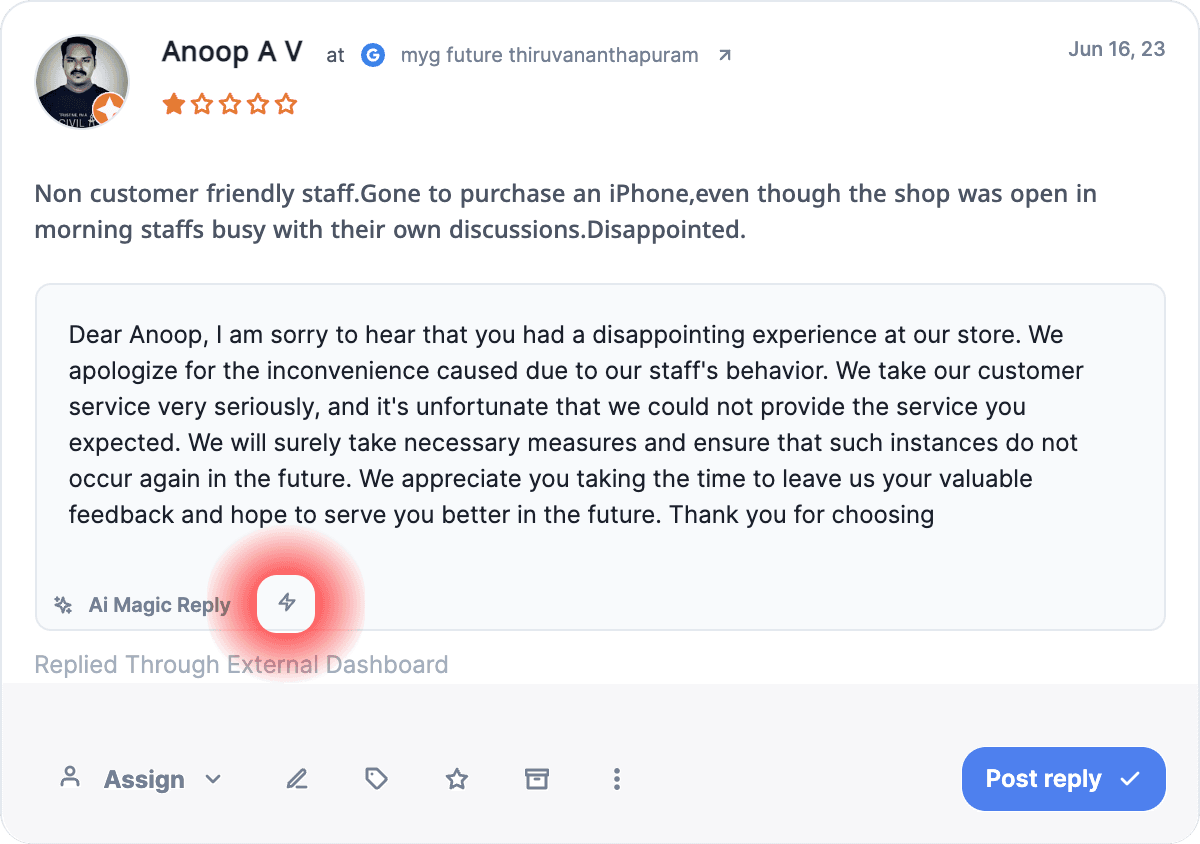
You can now use Cloodot’s AI to automatically generate replies for reviews based on context (Rating and text) of reviews.
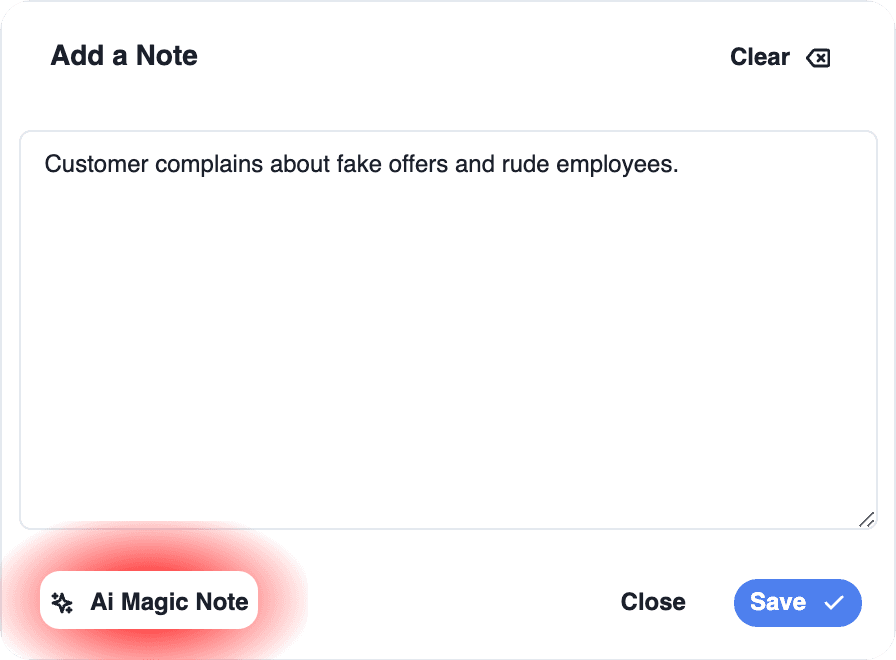
3. AI magic note in chats
You can now use Cloodot’s AI to automatically summarise a chat and create a note.
4. High performance chats list
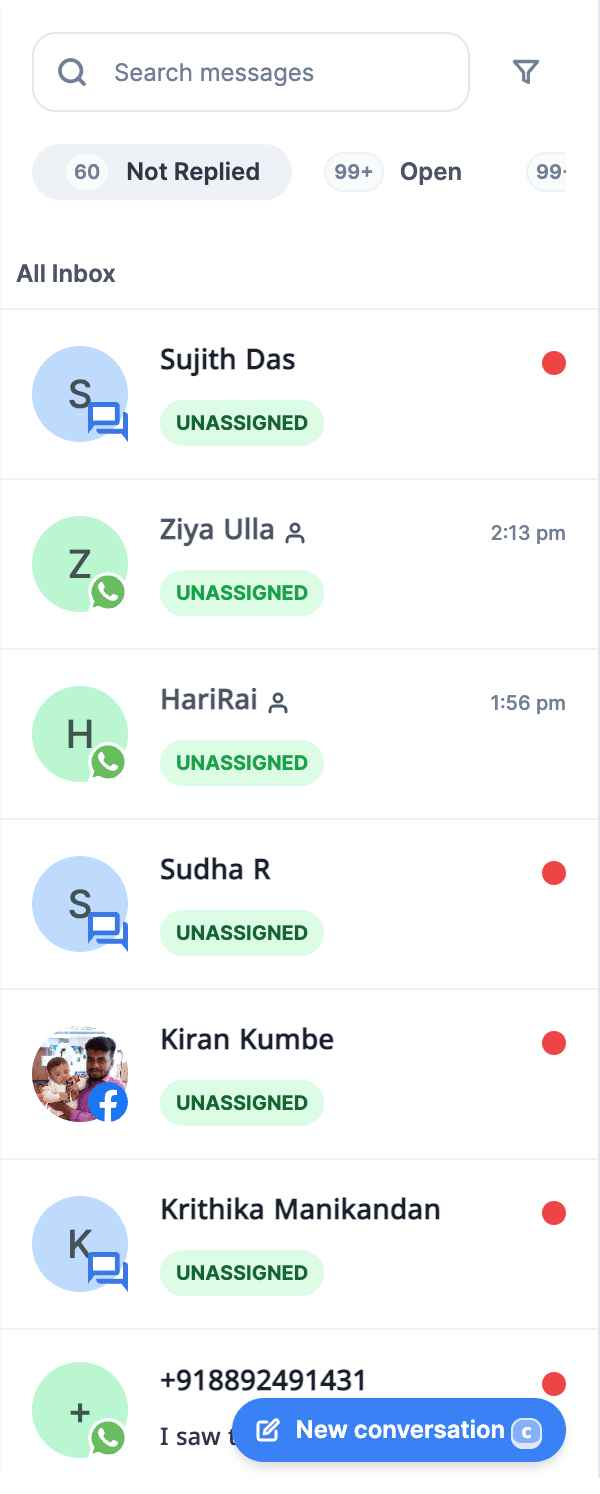
We have completely revamped loading method of items in chats list. The chats list is now snappy!
5. More detailed chats count badges
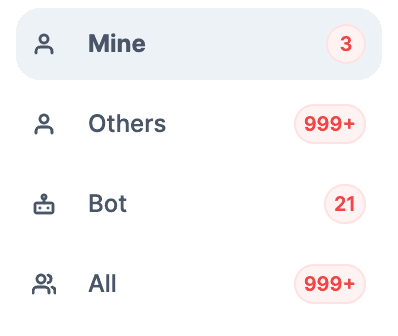
Now counts of chats are available on all major tabs (Not replied, Open, Replied and Resolved) and inboxes (All, Mine, Others, Bots) in conversations module.

6. Direct reply insertion in reviews
We have removed the need to click edit reply button to compose a response for reviews or access template responses list.
Directly click AI Magic response button
to get an AI generated response for the review.
Directly click template response button
to directly insert a template reply from list.
Directly click anywhere in the text box
to activate text box and start composing response.