Signup
Step 1A - Goto - https://app.cloodot.com/ (opens in a new tab) and click on get started or

Step 1B - Go directly to https://app.cloodot.com/auth/signup (opens in a new tab)
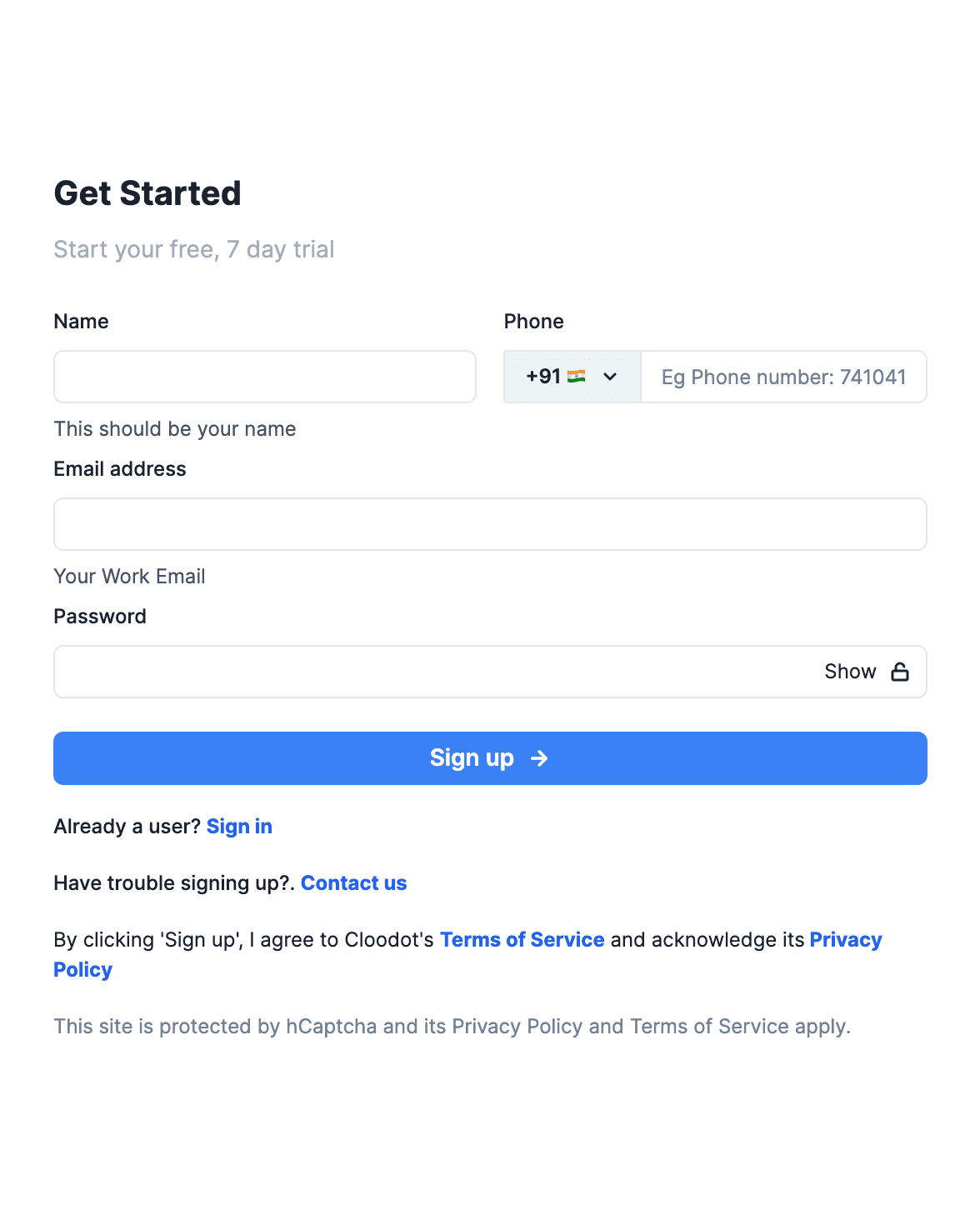
Step 2 - Enter details
Enter your name > Select your country code > Enter your phone number > Enter your work email address > Set a strong** password > Click signup
**Password requirements - Minimum 10 characters, At-least 1 uppercase letter, 1 lower case letter, 1 number and 1 special character
Step 3 - Solve captcha (you cant skip this step)

Step 4 - Email verification
If the email you have entered is a working one, you will receive an OTP as an email. You may click on the ‘Verify’ button (in the email) and then click confirm or
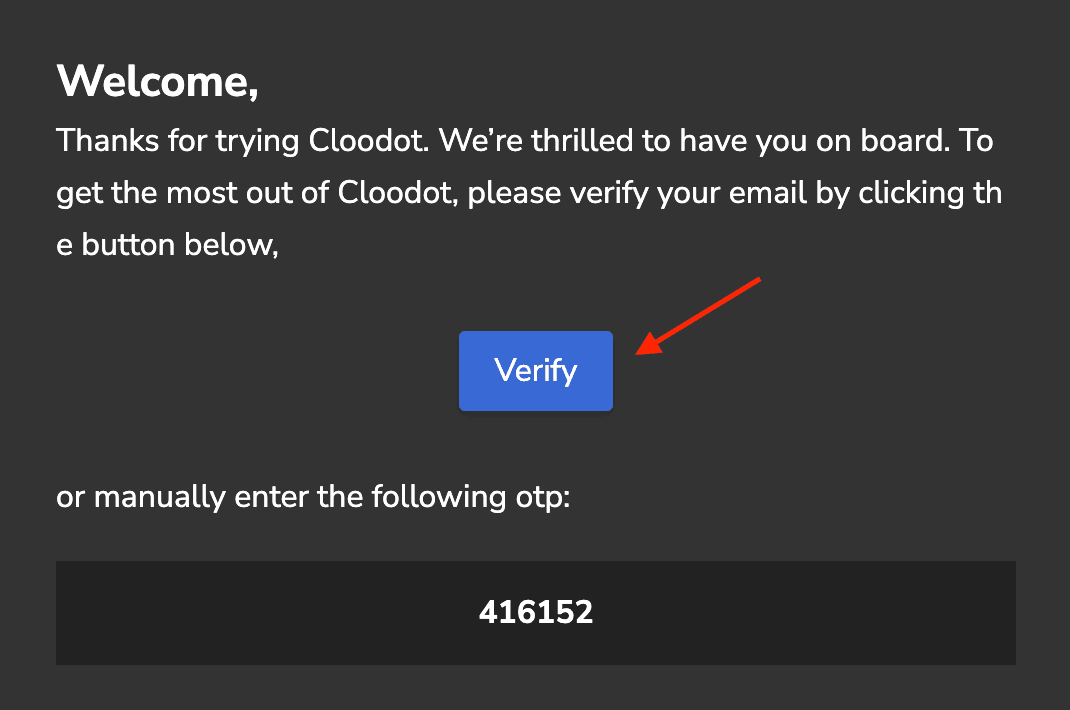
copy the code and paste in the code input field and then click confirm.
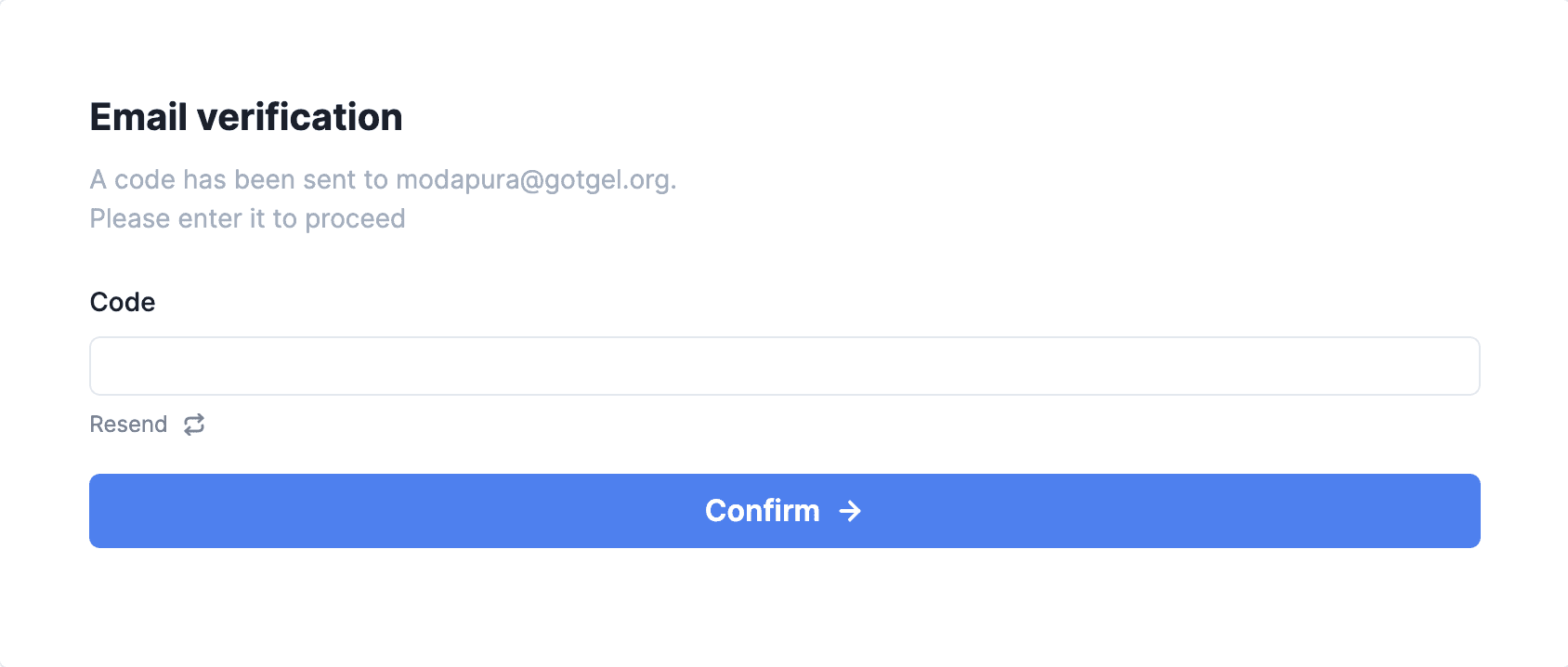
You will see a success message if the code you have entered is valid. Click on ‘Goto Sign-in page now’ and proceed to the Sign-in page.
If you have not received the code, you could use the resend button to get a new email with the code.
Troubleshooting - If you have tried resend option multiple times but have not got an email from Clodoot with the code, please contact your IT team and request them to add cloodot.com and its subdomains to firewall and email client whitelists. You could contact hello@cloodot.com if problem persists.