2023 February
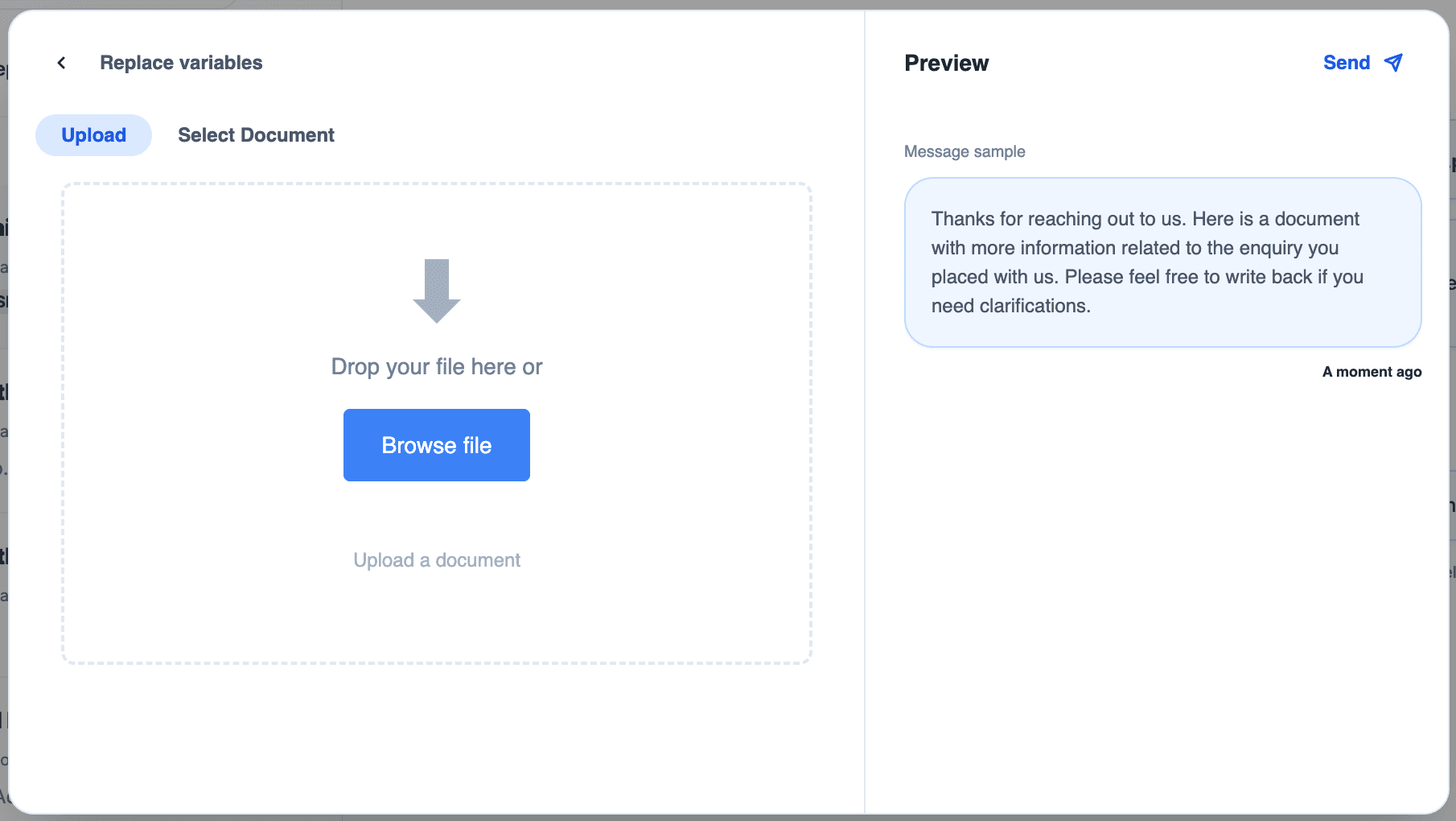
1. Document upload facility for WhatsApp templates.
Upload custom document like invoices, work-orders, estimates, or any document you wish to send.
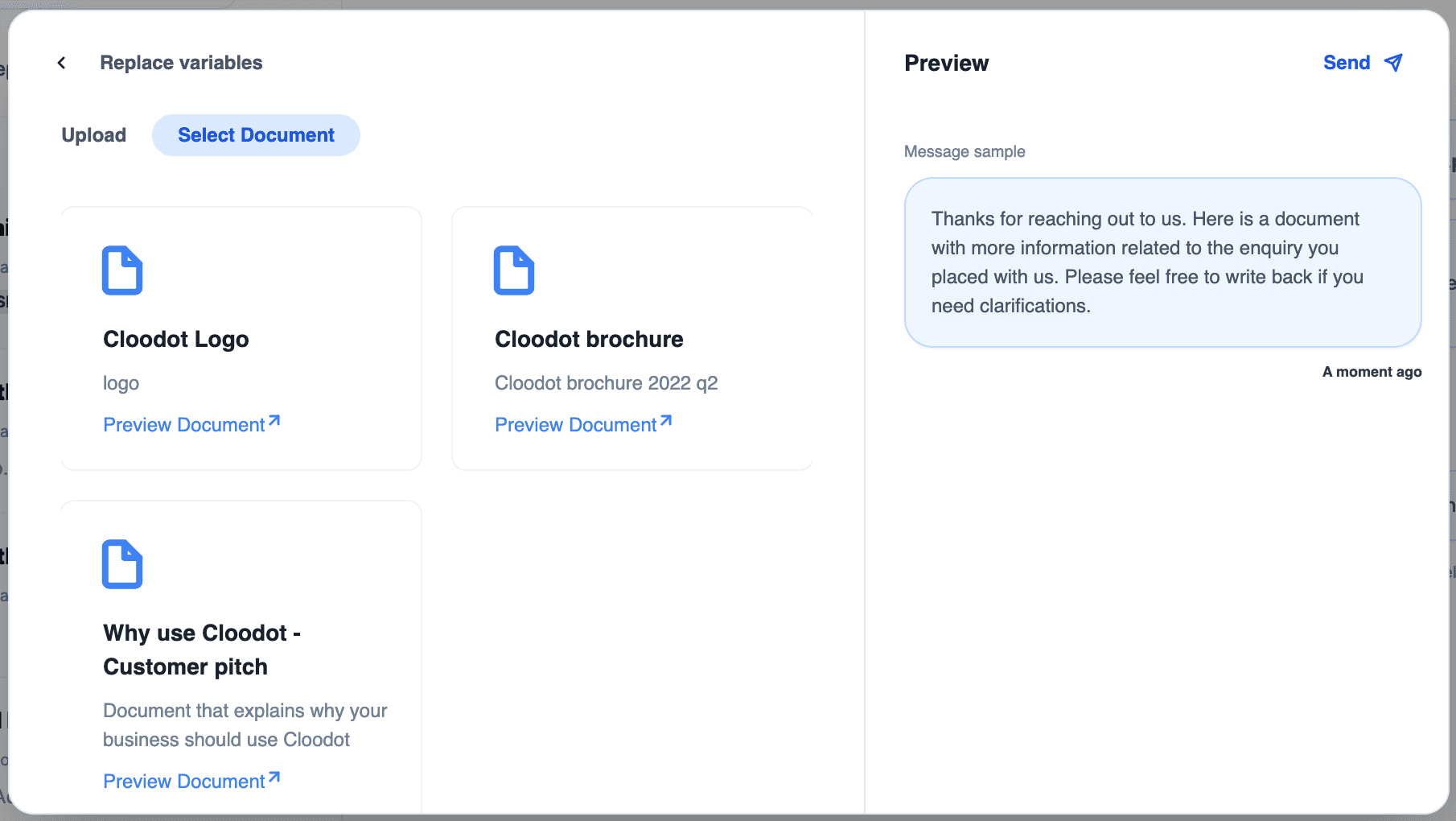
Or attach one from a collection of pre-uploaded quick documents.
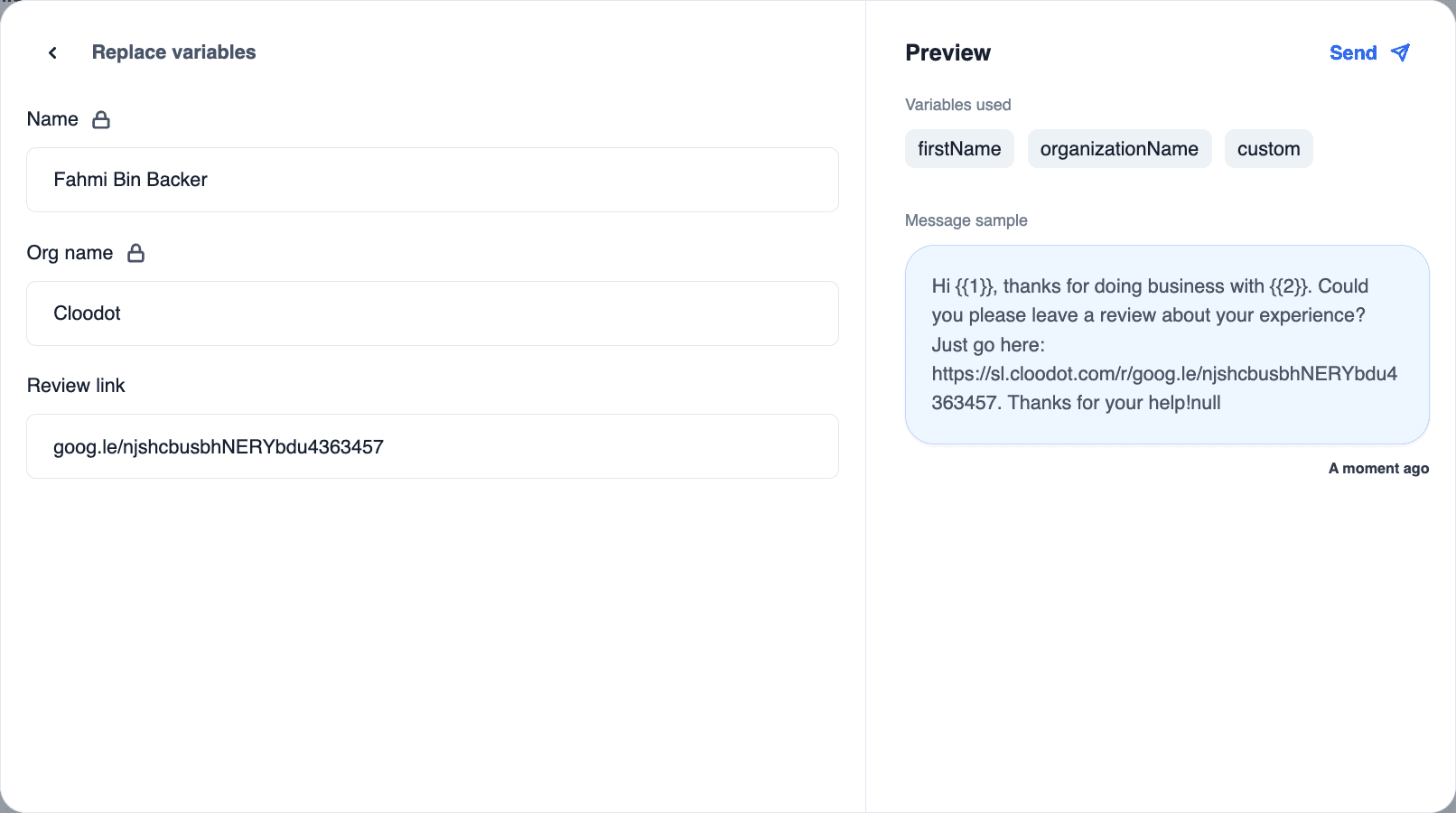
2. Variables insertion facility for WhatsApp templates
Option to insert preset or dynamic variables in a WhatsApp template message. Users can map WhatsApp variables to Cloodot’s internal dynamic variables like First name, Last Name, Agent name, Agent email, organisation name, etc. or map a custom present value. The custom value may be edited while sending the template. There is also an option to set a default fallback value for such custom inputs.
3. Interactive buttons in Bot interactions
Cloodot’s bot is now capable of capturing user intents through buttons in conversations. This mode of user input, compared to typing 1. 2. 3. is way more intuitive and fun. Moreover, it exponentially reduces error rates. Buttons functionality is available in Google, Facebook, Instagram, and WhatsApp chats.
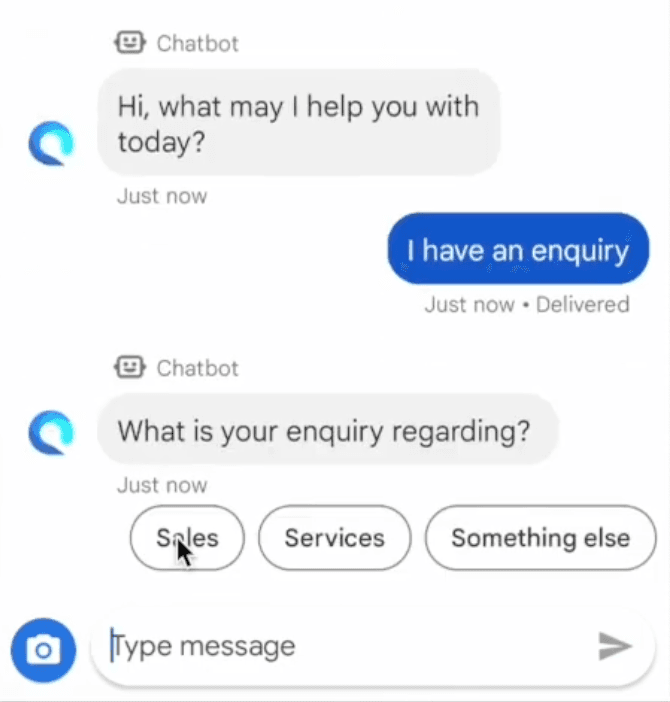
Buttons in a bot handled Google’s business messages chat
4. Send Rich Cards via Bot
Cloodot’s bot is now capable of sending beautiful, functional rich cards in conversations.

5. Send Documents via Bot
Cloodot’s bot is now capable of sending quick documents in conversations.
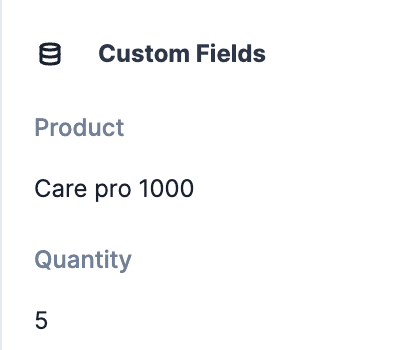
6. Update Custom fields via Bot
Cloodot’s bot is now capable of updating custom conversation fields by capturing user inputs in conversations.
7. Update Labels via Bot
Cloodot’s bot is now capable of adding and removing labels on conversations based on user intents captured in the conversations.
8.Star, mark as unread and resolve chats directly from chats list
Agents now need not open a chat to mark as unread, star or resolve. Those actions can now be directly invoked from chats list by clicking on context menu button present on every chat card.
